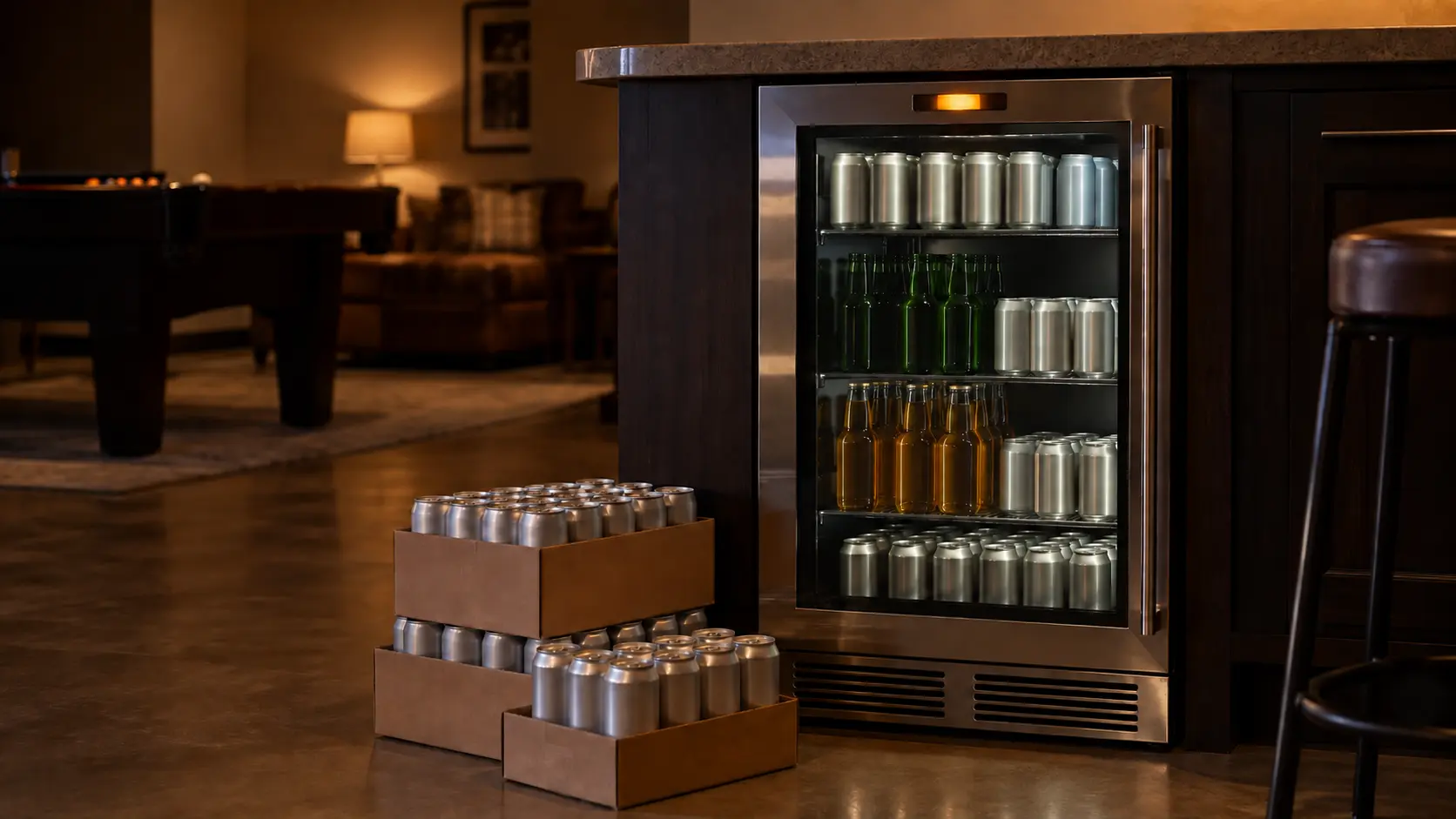
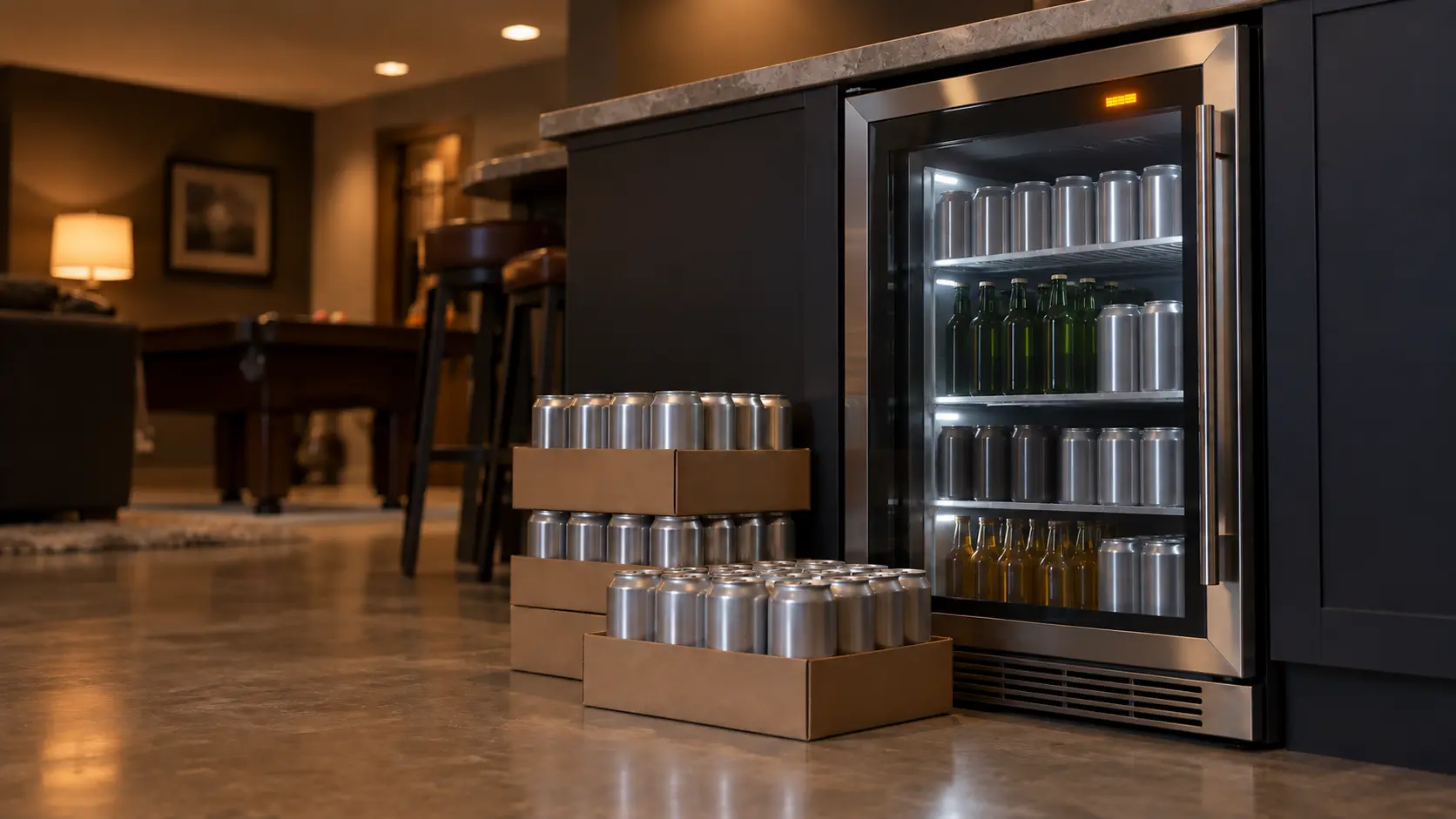

JennAir Over Temp alarm: a zone left its preset limits
In JennAir's guide W11325206 the Over Temp alarm chimes if either zone rises above its preset limits for 10 minutes.
Mon–Sat, 8am–8pm
- Temperature and alarms
- Beverage center thermostat and sensor repair
- Source: JennAir
Book a visit
Three short steps, about a minute.
or call (844) 456-5057
Loading appointment form…
The appointment form couldn’t load. Please try again.
What Over Temp
actually means.
In JennAir's guide W11325206 the Over Temp alarm chimes if either zone rises above its preset limits for 10 minutes. The sound stops once the temperature is back, the indicator blinks until Reset Alarm is pressed, and a zone that stays warm brings it back every 4 hours.
JennAir beverage center display · also shown as Over Temp Alarm, Over Temperature Alarm
What to do when Over Temp shows on the beverage centerKind of codeTemperature and alarms
The unit is warning that the cabinet has drifted away from its setting: too warm after a long power cut, a restock of room-temperature cases or a door propped open while guests came and went, or too cold near the point where cans start to freeze. Often it settles by itself once the door stays shut; a warning that keeps returning with the door closed points to the sensor, the fan or the cooling behind it.
Usually leads toBeverage center thermostat and sensor repair
Finding and replacing the dial thermostat or electronic sensor that tells a beverage center when to cool, so cans stay cold without freezing and splitting.
Shows up asReading a Beverage Center Error Code
A beverage center error code may be two or three characters on the temperature readout, a number blinking where the setting used to sit, a string of dashes, or a small icon pulsing beside a beep, and it can appear while every can on the shelves is still ice cold.
MakeJennAir
JennAir beverage center service for lighting, locks, controls and cooling, carried out without pulling the unit when it can be avoided.
SourceJennAir under counter beverage center use and care guide W11325206C
JennAir RISE, NOIR and panel-ready JUBFL/JUBFR242H beverage centers, guide W11325206; Product Help pages cover JennAir beverage centers in general and differ on some timings. JennAir Product Help describes a 70°F, 4-hour threshold instead, as used on KitchenAid's version.
Before you book,
in this order.
Each step comes from JennAir's own guidance for Over Temp on its beverage centers. Follow it to the end: the last card says whether this is a visit.
Clear the flashing light with Reset Alarm, push the door shut and move anything sitting against the base grille.
Check which zone is warm and whether the alarm followed a restock or a long door opening.
If the indicator comes back about 4 hours after a reset, book a visit.
Still there?
It usually turns into beverage center thermostat and sensor repair. Book with the code and the model number.
What not to do
An Over Temp chime after a busy evening is not necessarily a failure, because JennAir's threshold on this control is only 10 minutes. Repeat alarms with the door closed are what point to a real problem.
What you may
notice with it.
The beverage center problems Over Temp tends to arrive with. Answer these at the beverage center before anyone is booked.
All problems
Where Over Temp usually leads
Beverage center thermostat and sensor repair.
JennAir
beverage centers.
JennAir beverage center service for lighting, locks, controls and cooling, carried out without pulling the unit when it can be avoided.
JennAir beverage center repairMore JennAir codes
Temperature and alarms on other makes
In JennAir's own words
the temperature in either zone rises above the preset
Every code on this site is taken from the manufacturer's documentation, never from a forum or a parts listing. JennAir RISE, NOIR and panel-ready JUBFL/JUBFR242H beverage centers, guide W11325206; Product Help pages cover JennAir beverage centers in general and differ on some timings. JennAir Product Help describes a 70°F, 4-hour threshold instead, as used on KitchenAid's version.
JennAir Over Temp beverage center repair,
where we come out.
The same visit in every metro below: the code, the model number, and a diagnosis before any part is ordered.
All service areasTampa BayFL · 31 areas
Miami / South FloridaFL · 47 areas
New York MetroNY · 75 areas
HoustonTX · 36 areas
ChicagoIL · 50 areas
Los AngelesCA · 95 areas
San DiegoCA · 31 areas

Questions
about Over Temp.
Can I clear Over Temp myself?
Why did my JennAir Over Temp alarm go off during a party?
Does JennAir Over Temp tell me which zone is warm?
Why does JennAir's online help say 4 hours for Over Temp?
Back to your everyday
Still showing Over Temp?
Put three things in the booking: the characters or blinks exactly as shown, the model number in full, and whether a can from the middle shelf is still cold. With those, the technician arrives already half way to the answer.