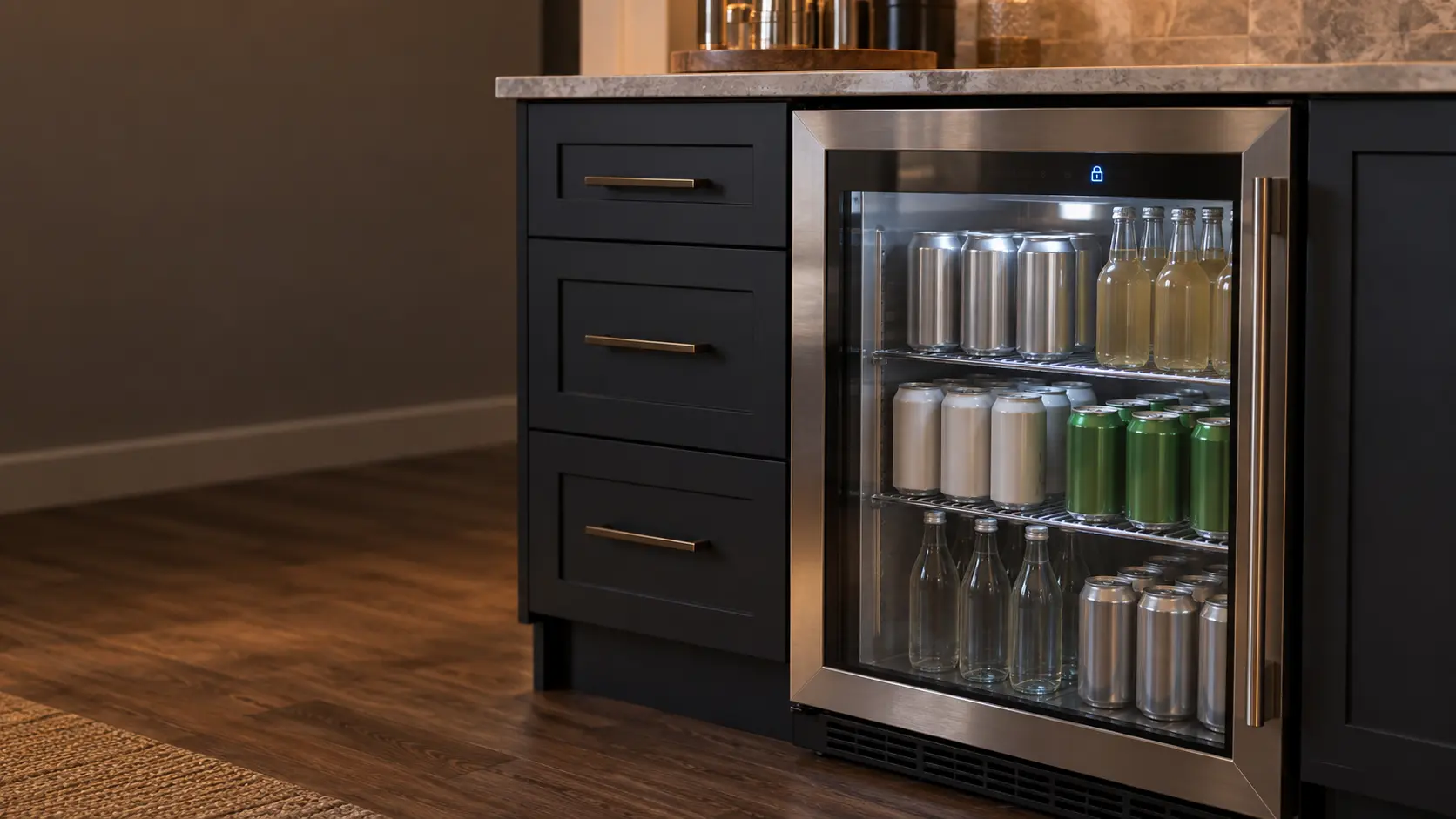
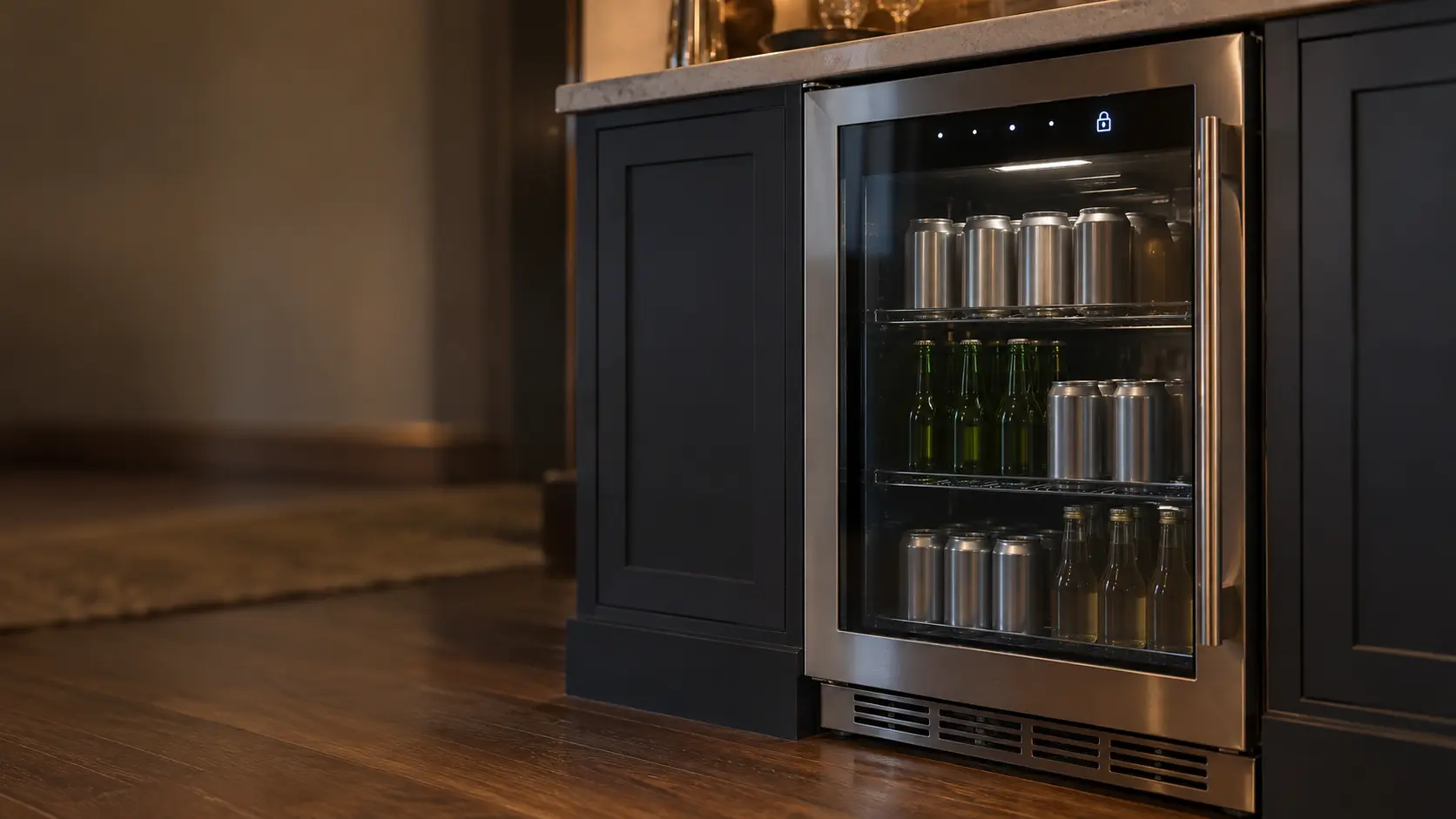

KitchenAid Lock Mode on a beverage center: the other keys disappear
KitchenAid's control lock is set by holding LOCK for 3 seconds.
Mon–Sat, 8am–8pm
- Mode, not a failure
- No repair needed
- Source: KitchenAid
Book a visit
Three short steps, about a minute.
or call (844) 456-5057
Loading appointment form…
The appointment form couldn’t load. Please try again.
What Lock
actually means.
KitchenAid's control lock is set by holding LOCK for 3 seconds. After the countdown every other display goes dark and becomes unavailable, leaving only Cool On, Cool Off and Lock, which can make the panel look half broken.
KitchenAid beverage center display · also shown as Lock Mode, Control Lock
What to do when Lock shows on the beverage centerKind of codeMode, not a failure
Something switched on rather than something worn out: a showroom setting left over from the store that lights the shelves while the compressor never starts, a Sabbath setting that darkens the lamp and silences the alarms, a control lock that ignores every tap after a guest leaned on the panel, or a max-cool or party setting still running hours later. Nothing needs replacing; the unit's own keys, or the steps in its manual, turn the mode back off.
Usually leads toNo repair
Unlock by keeping LOCK pressed through its 3-second countdown.
Shows up asReading a Beverage Center Error Code
A beverage center error code may be two or three characters on the temperature readout, a number blinking where the setting used to sit, a string of dashes, or a small icon pulsing beside a beep, and it can appear while every can on the shelves is still ice cold.
MakeKitchenAid
KitchenAid beverage centers diagnosed on site when drinks lose their chill, the panel goes quiet or water shows up on the floor.
SourceKitchenAid under counter beverage center use and care guide W11515229B
KitchenAid 24-inch undercounter beverage centers with the Cool On/Cool Off touch control (guide W11515229, linked from the KUBL524S page); older KUBR204E and KUBR214K controls were not checked.
Before you book,
in this order.
Each step comes from KitchenAid's own guidance for Lock on its beverage centers. Follow it to the end: the last card says whether this is a visit.
Unlock by keeping LOCK pressed through its 3-second countdown.
Check that the zone temperatures, presets and light option reappear.
If the panel stays dark after unlocking, book a visit.
Cleared?
The code is gone and the cans are chilling again without a new part. If it shows up again this week, or the drinks start coming out lukewarm, book a visit and say that it returned.
What not to do
A panel reduced to three keys is not a failed display. The cabinet keeps cooling at its settings while it is locked.
What you may
notice with it.
The beverage center problems Lock tends to arrive with. Answer these at the beverage center before anyone is booked.
All problems
No repair indicated
Nothing to repair.
Something switched on rather than something worn out: a showroom setting left over from the store that lights the shelves while the compressor never starts, a Sabbath setting that darkens the lamp and silences the alarms, a control lock that ignores every tap after a guest leaned on the panel, or a max-cool or party setting still running hours later. Nothing needs replacing; the unit's own keys, or the steps in its manual, turn the mode back off.
KitchenAid
beverage centers.
KitchenAid beverage centers diagnosed on site when drinks lose their chill, the panel goes quiet or water shows up on the floor.
KitchenAid beverage center repairMore KitchenAid codes
Mode, not a failure on other makes
In KitchenAid's own words
A selectable feature that locks all controls except for Cool
Every code on this site is taken from the manufacturer's documentation, never from a forum or a parts listing. KitchenAid 24-inch undercounter beverage centers with the Cool On/Cool Off touch control (guide W11515229, linked from the KUBL524S page); older KUBR204E and KUBR214K controls were not checked.
KitchenAid Lock beverage center repair,
where we come out.
The same visit in every metro below: the code, the model number, and a diagnosis before any part is ordered.
All service areasTampa BayFL · 31 areas
Miami / South FloridaFL · 47 areas
New York MetroNY · 75 areas
HoustonTX · 36 areas
ChicagoIL · 50 areas
Los AngelesCA · 95 areas
San DiegoCA · 31 areas

Questions
about Lock.
Can I clear Lock myself?
How do I unlock the KitchenAid beverage center controls?
Why do only three keys light up on my KitchenAid?
Does Lock Mode change the KitchenAid temperatures?
Back to your everyday
Still showing Lock?
Put three things in the booking: the characters or blinks exactly as shown, the model number in full, and whether a can from the middle shelf is still cold. With those, the technician arrives already half way to the answer.