Is that number the setting or the reading?
Makers disagree on what the big number means, and mixing them up leads owners to chase problems that are not there. The same two digits can be a target the control is aiming for or the temperature the sensor sees right now.
Panels that show the target
U-Line's 1100 series control shows one continuous set point, 38°F from the factory on its beverage centers. To see the actual air temperature, its guide says to hold the WARMER button for five seconds; the reading appears for about ten seconds and then the set point returns. On a panel like this, a steady 38 says nothing about whether the cabinet is actually cold.
Panels that show the air
Marvel's control does the opposite and displays the actual temperature inside the unit. Its guide explains that a number different from the one selected means the unit is still working toward the setting, and that the time to get there depends on the room, the load and the door. A reading that climbs during a party and falls overnight is that control telling the truth.
Two numbers on a two-zone model
A dual-zone beverage center shows one figure per zone. Perlick's G5 asks for the upper compartment to be set at least 7°F warmer than the lower one. If a zone holds wine at cellar temperature, that side of the cabinet is the wine cooler site's subject; the drinks side reads the same way as a single-zone unit.
A dark panel on a cabinet that is still cold
Before assuming the board has died, open the door and feel the air. If the cabinet is cold and the display and the light are both dark, a mode is the likeliest reason. U-Line's blackout mode darkens both for 36 hours while the controls keep cooling, then resets on its own. Marvel's Sabbath mode keeps the light and display off until someone presses the button again. Perlick's Sabbath mode keeps the screen off until a finger is held in the center for ten seconds.
Some units simply sleep. U-Line offers a display-off setting for when the door is closed, and Perlick's G5 screen wakes when the door opens and stays on for 30 seconds after it shuts. Marvel's troubleshooting table points to Sabbath mode first when the light does not come on in a cabinet that is still cooling.
- Dark panel, cold cabinet, light off: a Sabbath, blackout or display-off mode.
- Dark panel, warm cabinet, silent: go back to the power checks.
- Dark panel, light working, cabinet warming: the control or its display board.
Source: U-Line — 1100 and ADA series use and care guide (beverage centers) — The display shows the set point, 38°F by default on beverage centers; hold WARMER five seconds to show the actual temperature for about ten seconds; blackout mode darkens light and display for 36 hours while cooling continues; a display-off mode; 1-16 or 99 may indicate a factory test mode; E3 indicates the door may be open too long; LIGHT plus three presses of COOLER changes the temperature scale; Marvel — Owner's guide and service manual, 24-inch beverage center (MLBV224) — The display shows actual temperature and a difference from the setting means the unit is still progressing toward it; Sabbath mode keeps light and display dark until reset while the unit operates; showroom mode leaves compressor and fans off; a door open over 5 minutes triggers an error code and an audible warning; Perlick — G5 undercounter user, installation and operation manual — Upper zone set at least 7°F warmer than the lower; display wakes with the door and stays on 30 seconds; Sabbath mode keeps the display off until a 10-second hold; display lock and quick cool behavior; showroom mode runs no compressor or fans; standby still powers all components; alarm history of ten date-stamped alarms and a diagnostic window

Showroom, lock and quick cool
Showroom mode is the costly one to miss. Marvel's control keeps the light and display working while the compressor and fans stay off, and Perlick describes the same behavior for units used only for display. A store sometimes delivers a unit still set this way, and it can sit for days looking perfectly normal while the cans warm up.
Perlick's display lock stops the settings from changing while still allowing quick cool and alarm silencing; holding its icon for three seconds unlocks it. Quick cool on the same control ends on its own once the set point is reached. U-Line's table mentions one more surprise: a display showing a number from 1 to 16, or 99, may mean a factory test mode has been left on, which its guide explains how to exit.
Source: U-Line — 1100 and ADA series use and care guide (beverage centers) — The display shows the set point, 38°F by default on beverage centers; hold WARMER five seconds to show the actual temperature for about ten seconds; blackout mode darkens light and display for 36 hours while cooling continues; a display-off mode; 1-16 or 99 may indicate a factory test mode; E3 indicates the door may be open too long; LIGHT plus three presses of COOLER changes the temperature scale; Marvel — Owner's guide and service manual, 24-inch beverage center (MLBV224) — The display shows actual temperature and a difference from the setting means the unit is still progressing toward it; Sabbath mode keeps light and display dark until reset while the unit operates; showroom mode leaves compressor and fans off; a door open over 5 minutes triggers an error code and an audible warning; Perlick — G5 undercounter user, installation and operation manual — Upper zone set at least 7°F warmer than the lower; display wakes with the door and stays on 30 seconds; Sabbath mode keeps the display off until a 10-second hold; display lock and quick cool behavior; showroom mode runs no compressor or fans; standby still powers all components; alarm history of ten date-stamped alarms and a diagnostic window
Codes and alarms, and what to do with them
A letter-and-number code is the control's own note about what it saw. Some are door or temperature warnings an owner can answer; U-Line uses E3 for a door that may have been open too long, and Marvel's door switch raises a code and a tone after five minutes open. KitchenAid's beverage centers treat CL or LO as a cabinet that is too cold and flash an over-temperature light after four hours above 70°F. For several of its codes, KitchenAid's first step is a one-minute power cycle followed by a minute of watching.
Other codes point at sensors, fans or the board and are not owner fixes. The error codes section of this site groups them by family for the makes it covers, and it is the place to look up anything not named here.
- Photograph the display before pressing anything.
- Write down the time and what was happening: a restock, a party, a storm.
- Cycle power once for one minute, then watch.
- If the same code returns within a day, stop resetting and book.
Source: U-Line — 1100 and ADA series use and care guide (beverage centers) — The display shows the set point, 38°F by default on beverage centers; hold WARMER five seconds to show the actual temperature for about ten seconds; blackout mode darkens light and display for 36 hours while cooling continues; a display-off mode; 1-16 or 99 may indicate a factory test mode; E3 indicates the door may be open too long; LIGHT plus three presses of COOLER changes the temperature scale; Marvel — Owner's guide and service manual, 24-inch beverage center (MLBV224) — The display shows actual temperature and a difference from the setting means the unit is still progressing toward it; Sabbath mode keeps light and display dark until reset while the unit operates; showroom mode leaves compressor and fans off; a door open over 5 minutes triggers an error code and an audible warning; KitchenAid — Beverage center error codes (E1, E2, HI or LO, CL or LO) and over temperature alarm — CL or LO means the inside is too cold; E1, E2 and HI or LO start with a one-minute power cycle; the over-temperature light flashes after the cabinet stays above 70°F for 4 hours
When the display itself is the problem
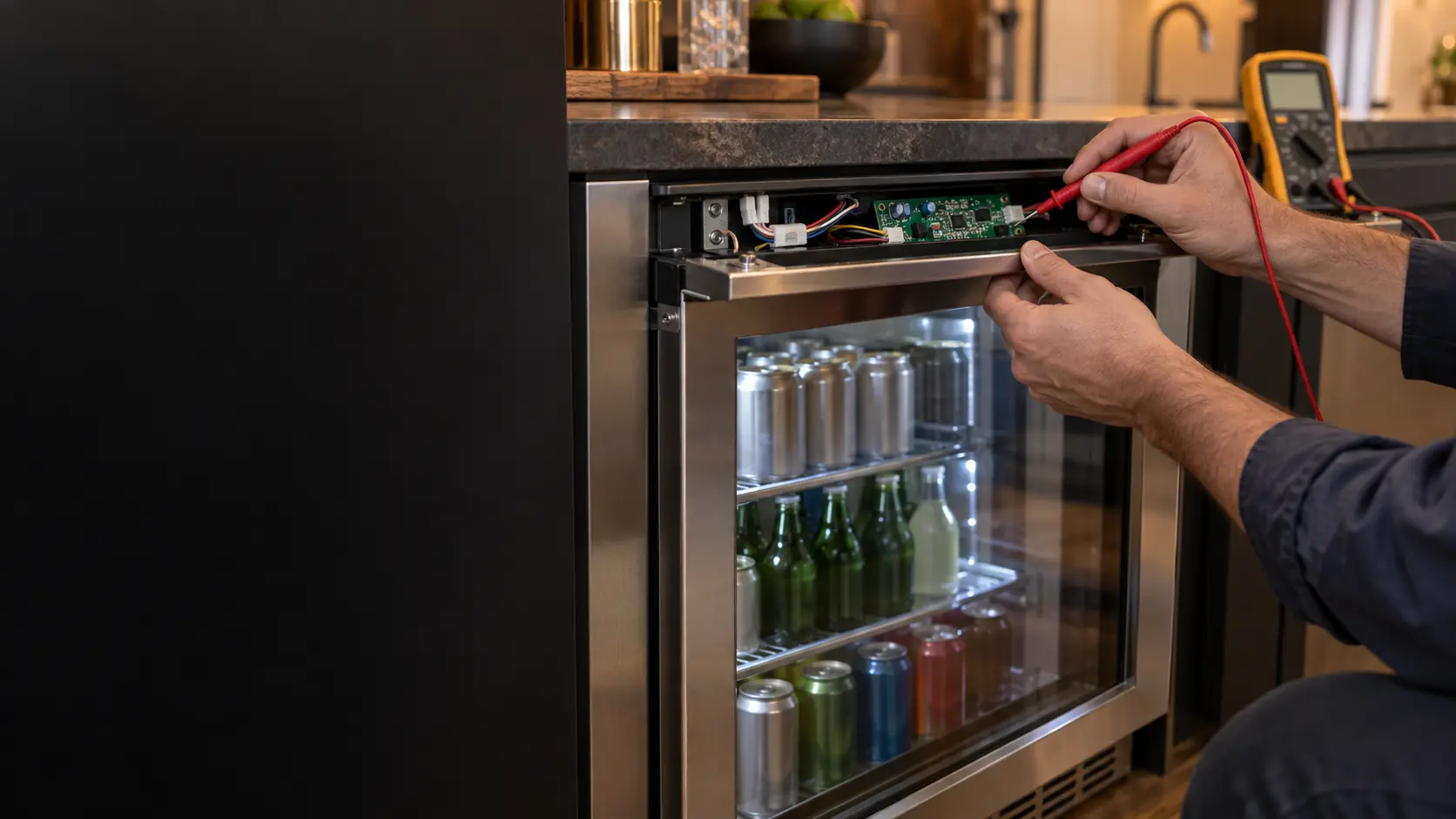
Sometimes the panel is the failed part. Buttons that respond only after several presses, segments missing from the digits, a flicker that follows the compressor starting, or moisture visible behind a touch panel on an outdoor unit all point to the control or display board. A unit that cools normally with a dead panel is still worth booking, because without a working display nobody can see an alarm when it matters.
Perlick's G5 keeps a diagnostic window with the evaporator and condenser temperatures, fan and compressor output and door switch states, designed to be shared with service. On a unit that has one, a photo of that screen is the most useful thing you can bring to the booking call.
Source: Perlick — G5 undercounter user, installation and operation manual — Upper zone set at least 7°F warmer than the lower; display wakes with the door and stays on 30 seconds; Sabbath mode keeps the display off until a 10-second hold; display lock and quick cool behavior; showroom mode runs no compressor or fans; standby still powers all components; alarm history of ten date-stamped alarms and a diagnostic window