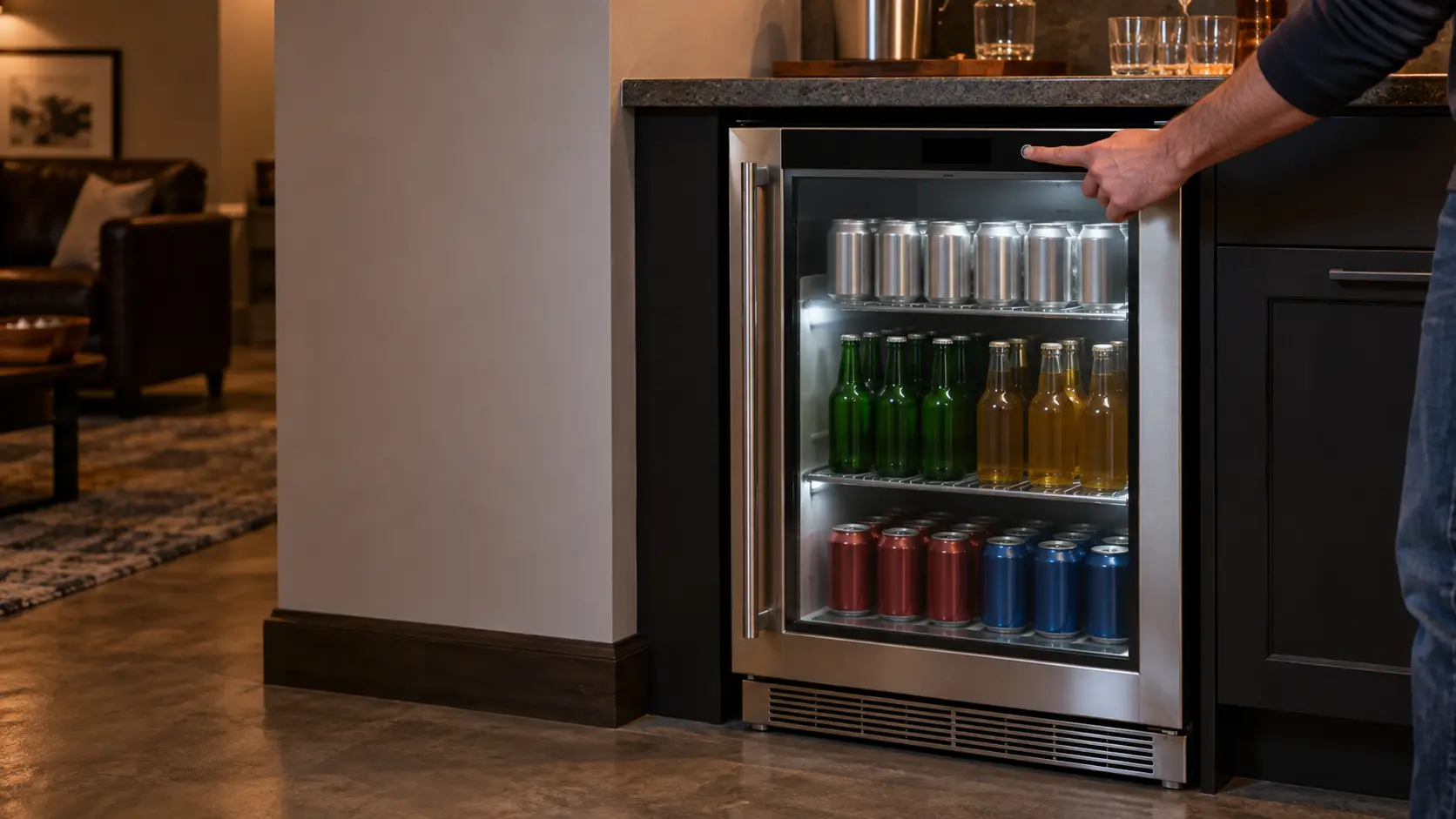
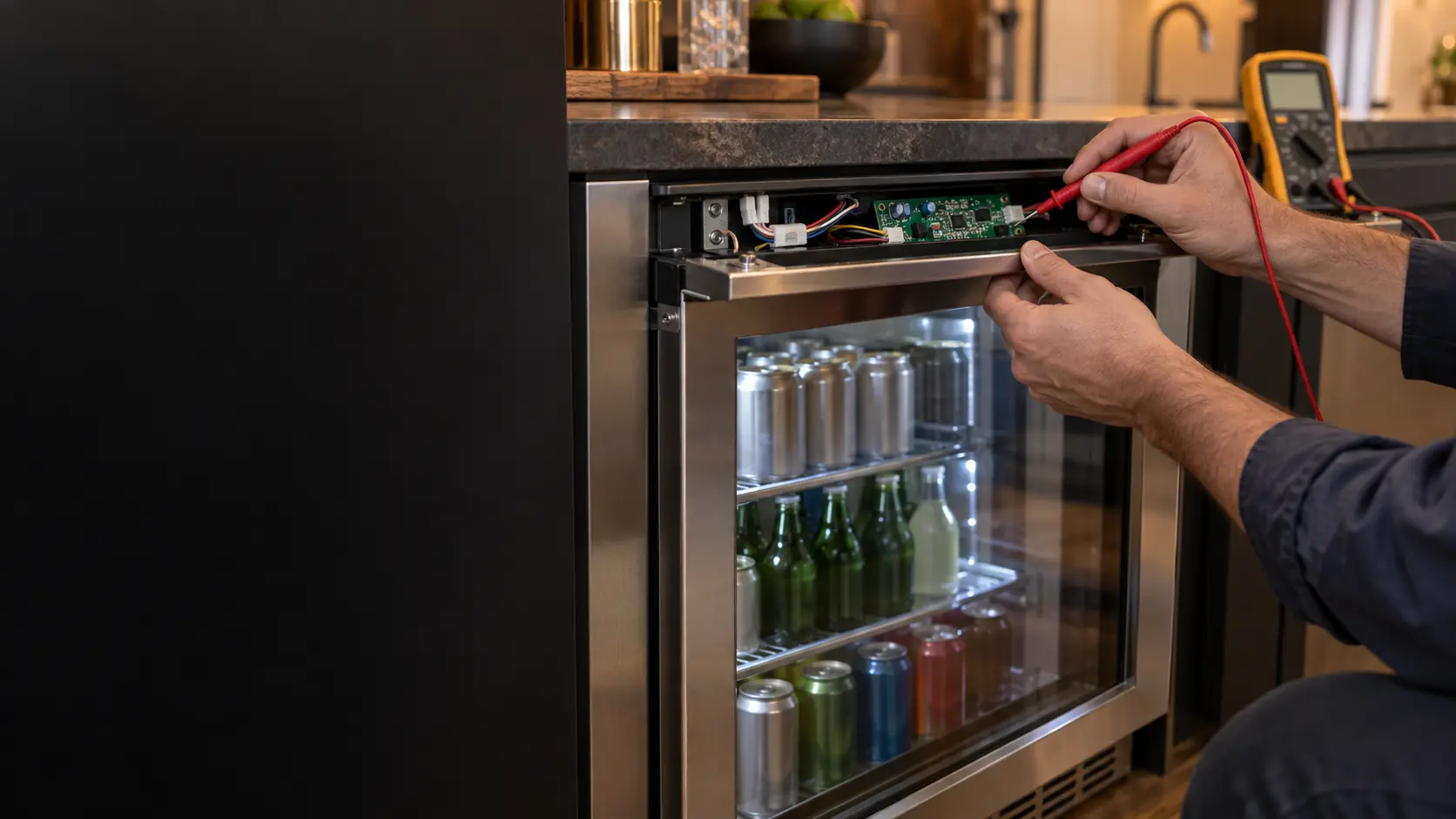
When does a beverage center need a reset?
A reset is the right first move when the unit is dark or frozen after a power loss, will not accept a new set point, shows the lights but does not cool, or flashes a warning after an outage. It is the wrong move when it only runs warm for an obvious reason, such as a blocked vent or a heat wave.
Signs a reset is worth trying
- The display is blank or frozen after the power came back.
- Buttons do nothing, or beep and ignore the press.
- The lights are on and the fans may run, but the drinks are at room temperature.
- A flashing temperature or a warning message started during or after an outage.
Signs it is something else
A unit that is warm but responds normally to the buttons has a cooling problem; start with why the drinks are not cold. A unit with a dead display and no sound at all needs the power checks below, not a reset.
What should you check before touching the controls?
Check the power first, because a dead outlet looks exactly like a dead control board. Plug a lamp or phone charger into the same outlet. If it does not work, look for a tripped breaker or a tripped GFCI button on the outlet or on a nearby one; outdoor and basement bar outlets are often on a GFCI that trips in a storm.
If the outlet is live and the display is still dark, check the plug is fully seated and the cord is not pinched behind the cabinet. A unit that has been pushed back into its opening often has its plug half out. Our checks before booking guide has the longer list. If the breaker trips again right away, do not keep resetting it; see a beverage center tripping the breaker.
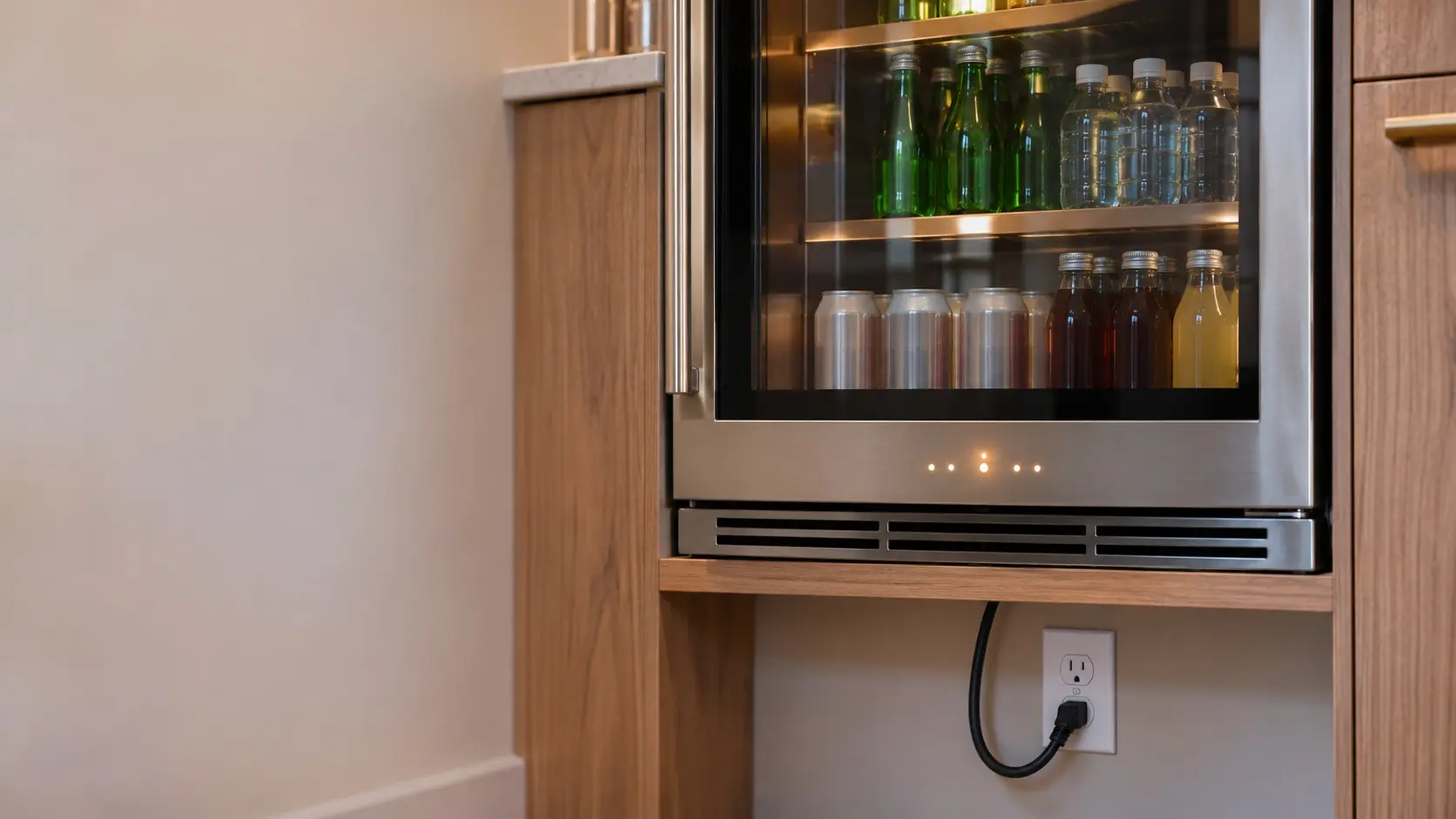
How do you clear a control lock or showroom mode?
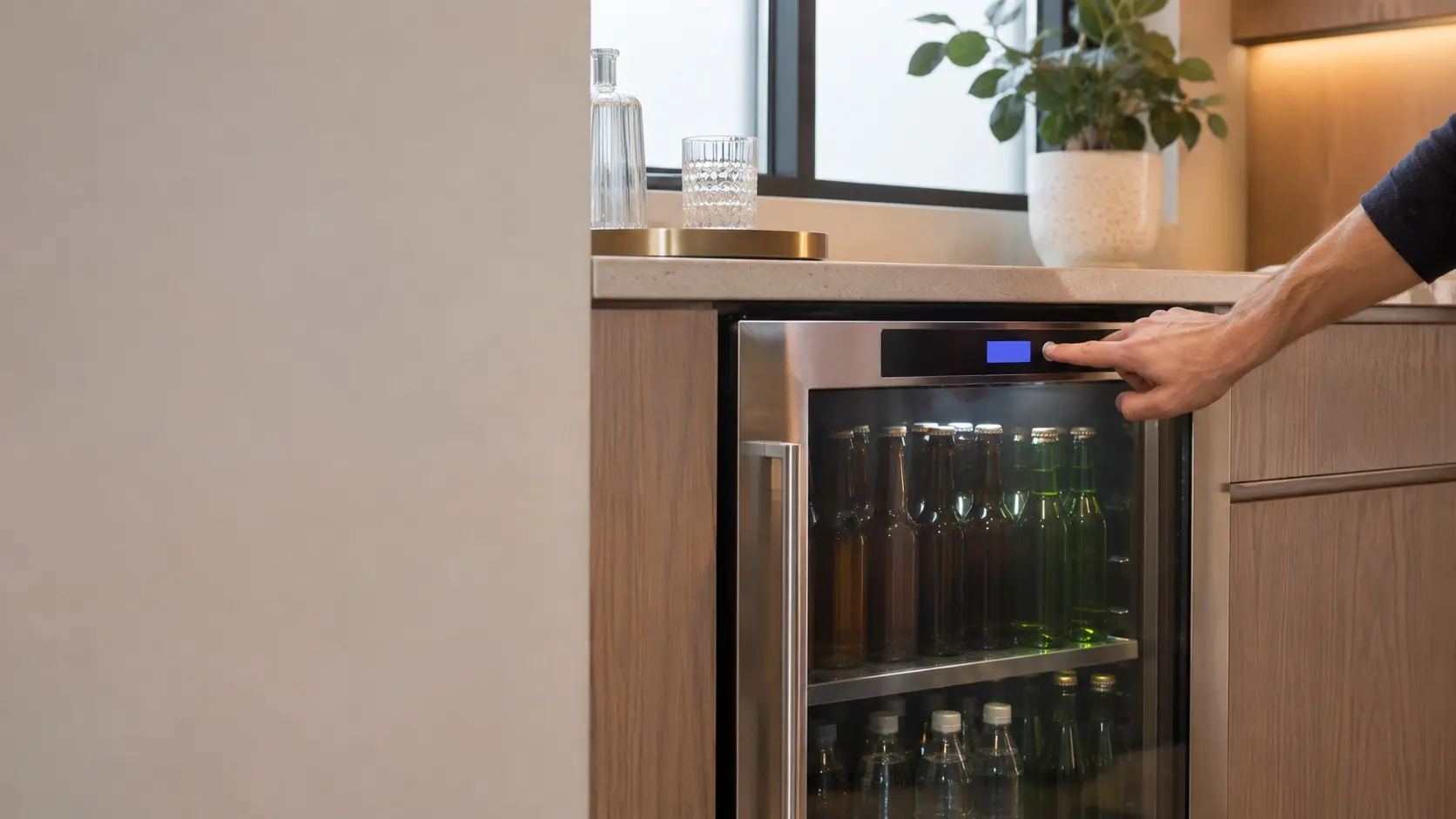
Clearing a lock or a demonstration mode takes a button press, and it is the most common fix after a power loss. The exact buttons differ by maker, so the owner's manual for your model is the source; the patterns below describe what many models do.
Control lock
A lock disables the buttons so a child or a cleaning cloth cannot change the setting. Many models use a lock icon or a key symbol and release it with a press and hold of a few seconds on one button or a pair of buttons. A lock that returns by itself after an outage usually means the panel is reading a stuck button.
Showroom or demonstration mode
Showroom mode lights the display and the interior but turns off cooling, so a new or moved unit appears to work while the drinks stay warm. It is often switched on or off by holding one or two buttons for several seconds, and some models show a code or a word on the display while it is on. If your unit has a showroom setting, turning it off should bring the compressor back within a few minutes.
Sabbath, display-off and temperature-unit modes
Some models also have modes that blank the display or change °F to °C. These look like a failure but are settings. If the numbers have suddenly changed units or the screen is off while the unit hums, a mode is more likely than a broken part.
How do you do a timed power cycle?
A timed power cycle clears a frozen control and lets the compressor protection reset. Many owner's manuals ask for a wait of several minutes before restarting, because a compressor started against pressure still in the system can trip or fail to start. Your manual gives the time for your model.
- Turn the unit off at the control if it has an off setting, then unplug it. If it is hardwired or behind a cabinet you cannot reach, switch off its breaker instead.
- Wait as long as your manual asks; if you cannot find it, give it ten minutes, which does no harm.
- Plug it back in or restore the breaker and leave the door closed.
- Do not press buttons for the first minute; let the display start up on its own.
- Set the temperature to your normal setting, not the lowest one.
Do not repeat the cycle more than twice in a row. A unit that needs resetting every day is telling you something, and our display guide helps read what it says.
What should the display do after a reset?
The display should light within a minute, show the set point and the actual temperature, and the fan or compressor should start within a few minutes. Cooling then resumes gradually: expect the cabinet reading to fall over the first hour and the drinks to be properly cold after several more hours.
| Time after restart | What you should see or hear |
|---|---|
| First minute | Display wakes, lights and maybe a short beep |
| First few minutes | Fan starts; compressor hums soon after |
| First hour | Cabinet reading starts to fall toward the set point |
| Next several hours | Bottles reach set point; cycling settles into a pattern |
If the display lights but nothing cools after an hour, or an error returns, write down what it shows and see the error code page. A control that stays dead, scrambled or locked after these steps is a job for beverage center control and display repair, or a diagnostic visit if you are not sure whether it is the board, a sensor or the power supply.